Ludo & Snakes and Ladders, the way you like to play
Play Ludo online with people around the world, offline against a smart computer, or pass one phone around with friends and family. Chat with animated emojis, climb 1000 levels and collect free rewards every day.
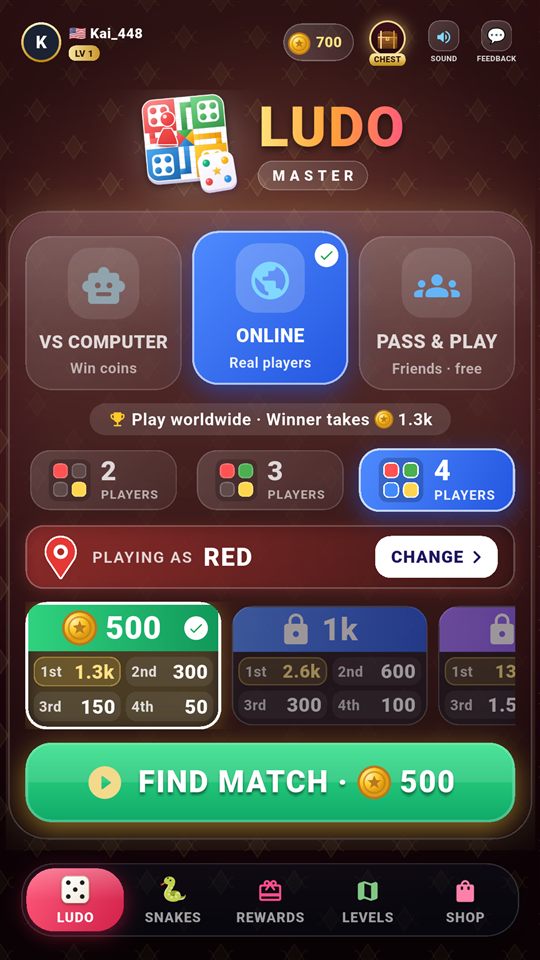
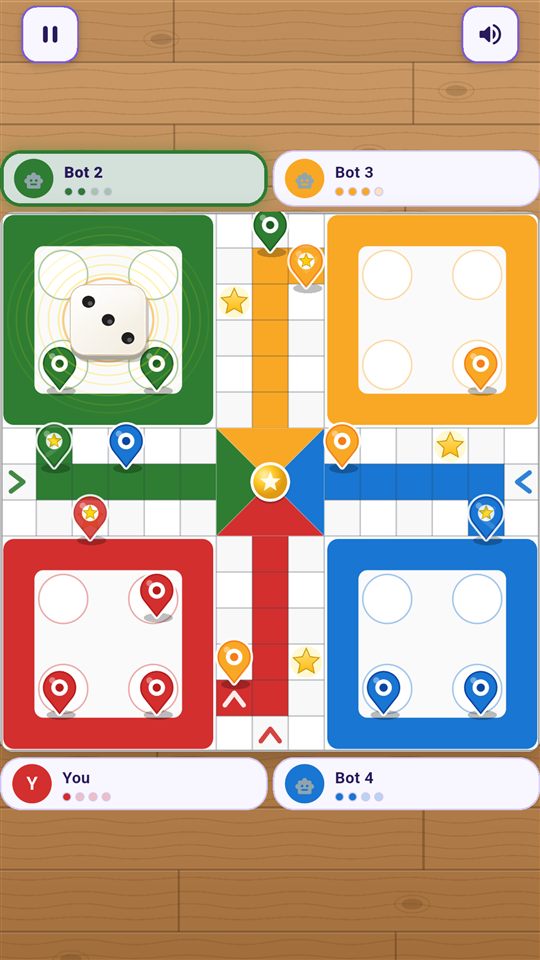
One app, every way to play
Quick online matches, a computer that plays to win, or a family game night on one phone.
Ludo Online
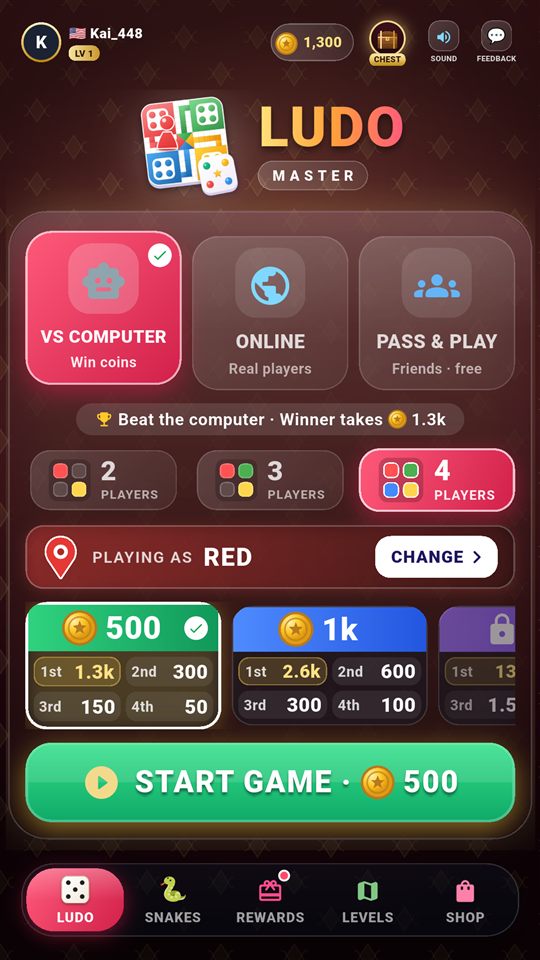
2, 3 or 4 players worldwide. Tap Find Match and play in seconds, no sign-up needed.
Vs Computer
Play offline against a smart opponent that plans ahead, dodges attacks and hunts your pawns.
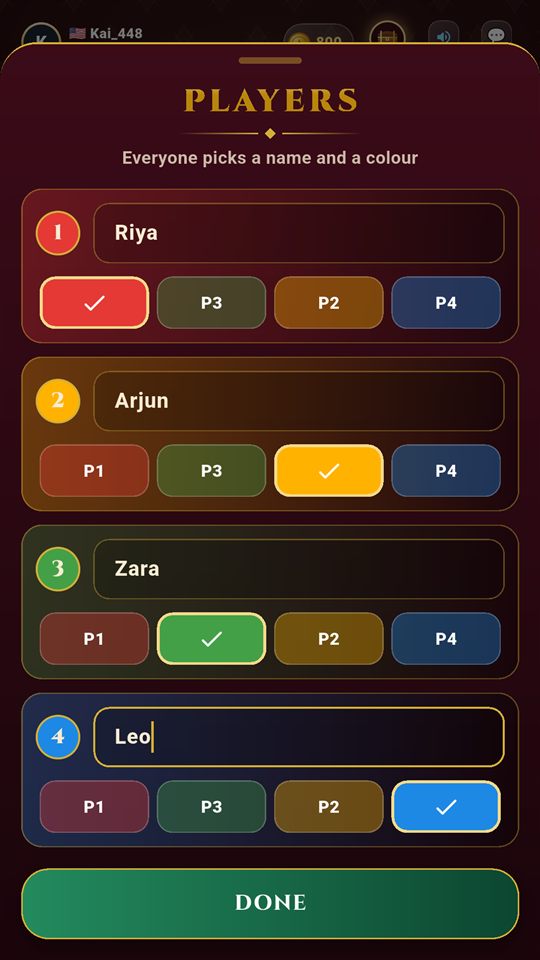
Pass & Play
2–4 friends on one phone. Everyone picks a name and a colour.
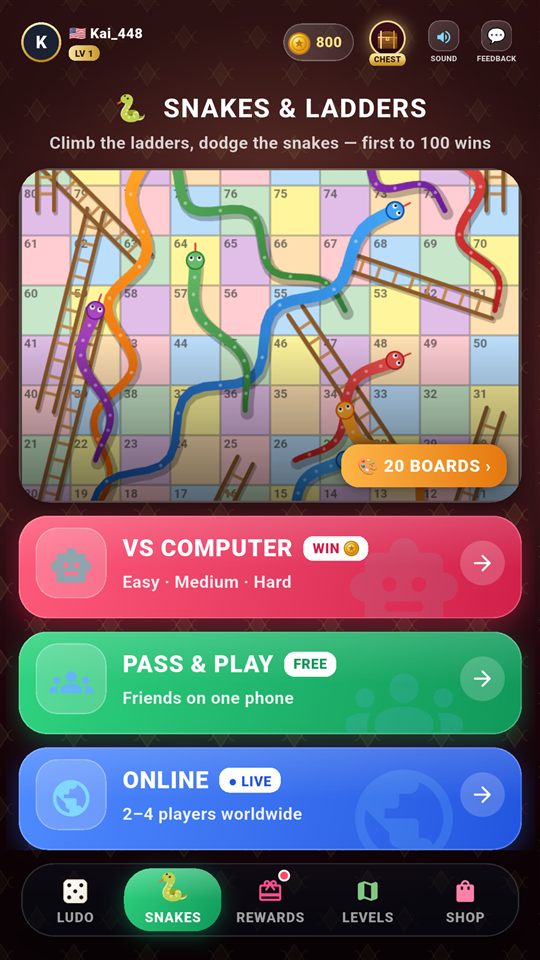
Snakes & Ladders
Vs computer, with friends or online, on 20 colourful boards.
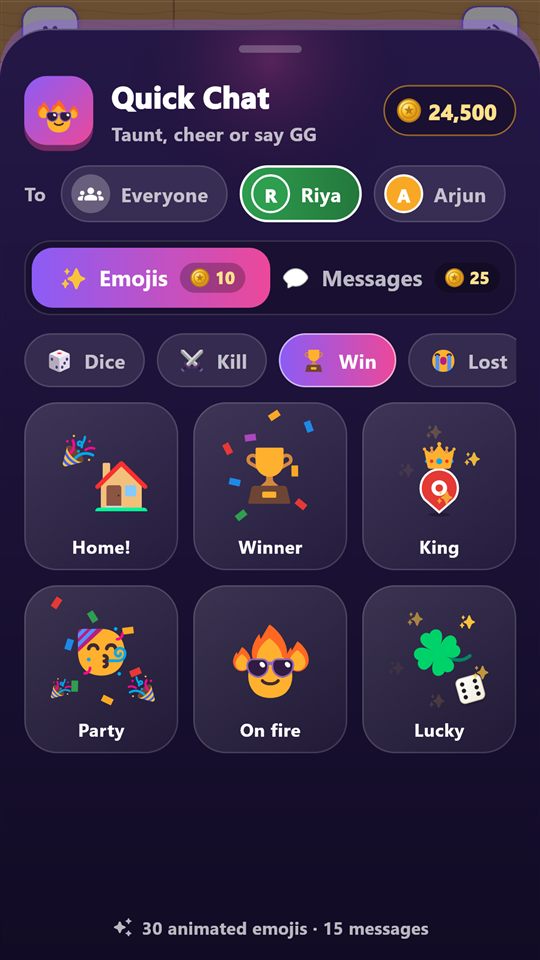
Cheer, taunt or say GG with animated emojis
Every online match has a quick chat built in, so the table never feels quiet.
- 30 animated emojis and 15 quick messages
- Send to everyone, or aim it at one player and watch it fly
- Safe by design: preset messages only, no free text
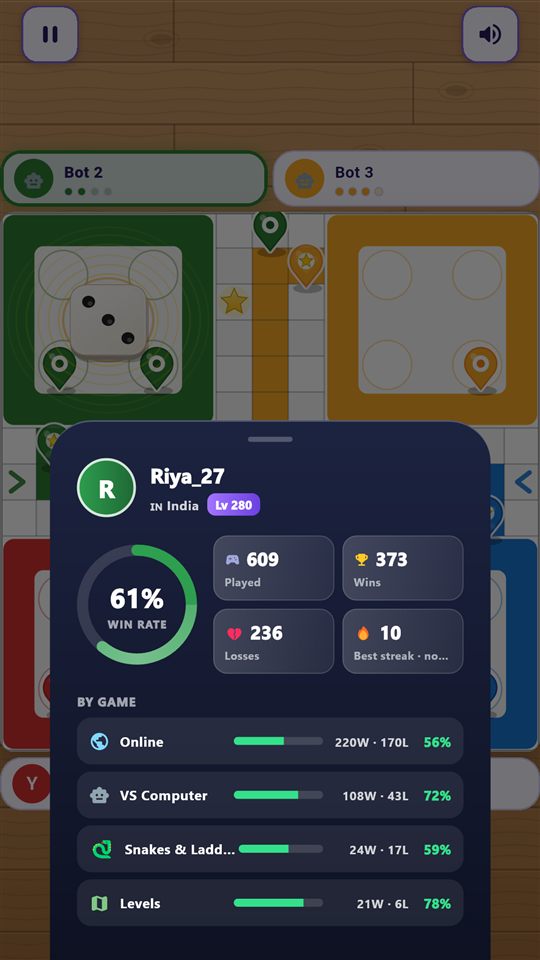
Know who you're up against
Tap any player during a match to see their level, country and full record.
- Win rate, wins, losses and best streak
- Stats for Online, Vs Computer, Snakes & Ladders and Levels
- Add your own profile picture and log in to keep progress safe
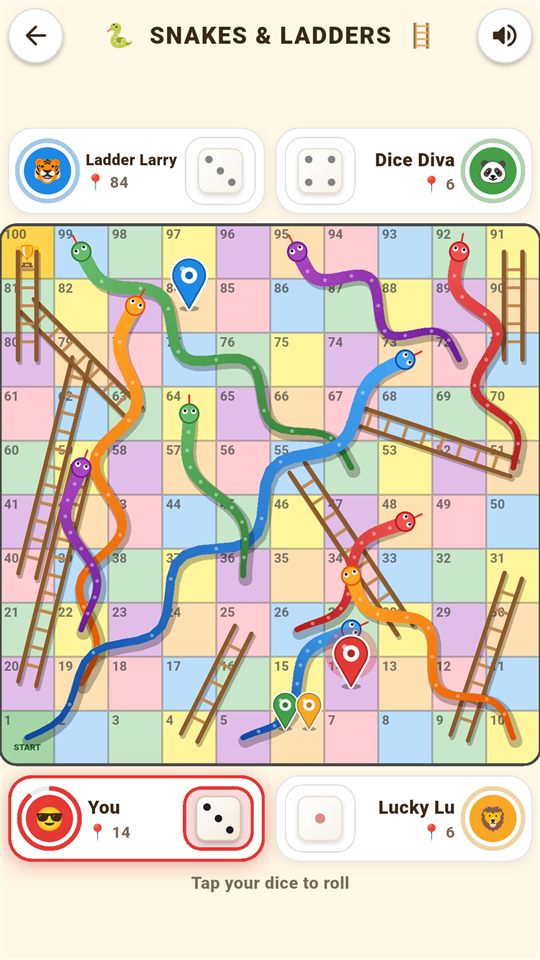
The other family classic, in the same app
Climb the ladders, dodge the snakes and land exactly on 100 to win.
- Play vs computer, with friends on one phone, or online
- Fair dice for everyone at every difficulty
- 20 board designs: Candy, Ocean, Jungle, Neon Night, Galaxy and more
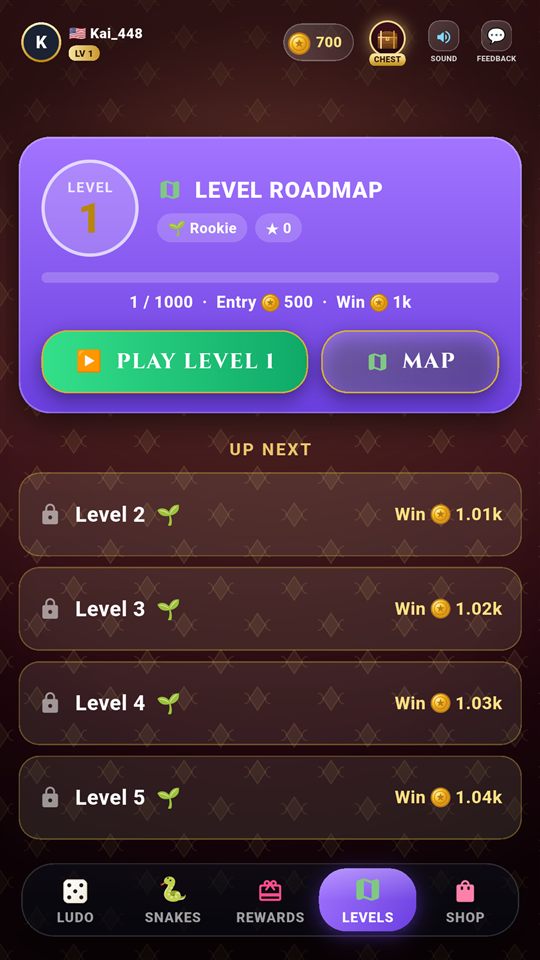
From Rookie to Mythic
A roadmap of 1000 Ludo levels across 10 tiers. Every level is a new challenge, and every one works offline.
- Smarter robots, head starts, lucky dice and boss levels
- Earn up to 3 stars per level
- A treasure chest at every milestone
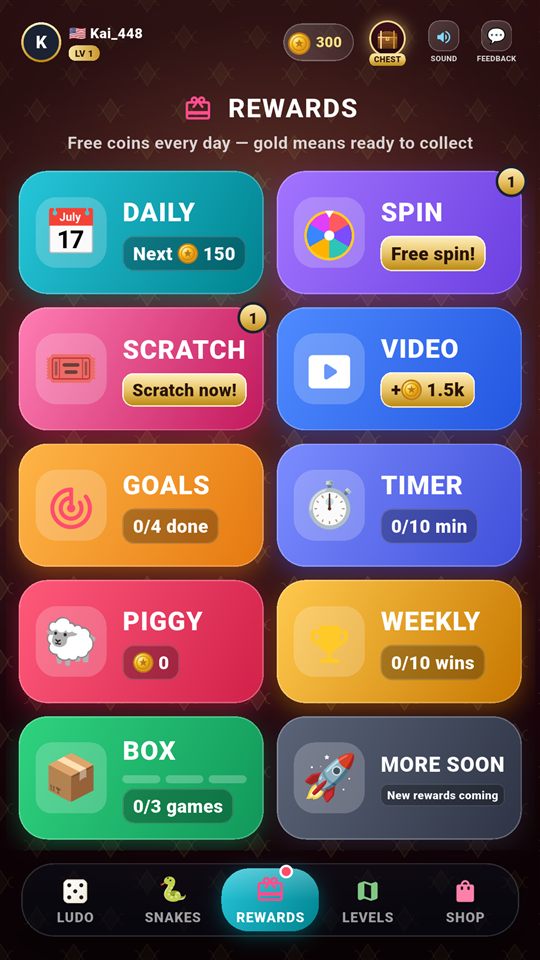
Rewards that keep coming
Everything lives in one Rewards tab. Gold means ready to collect.
Daily Gift
A 7-day streak where the gift grows every day you come back.
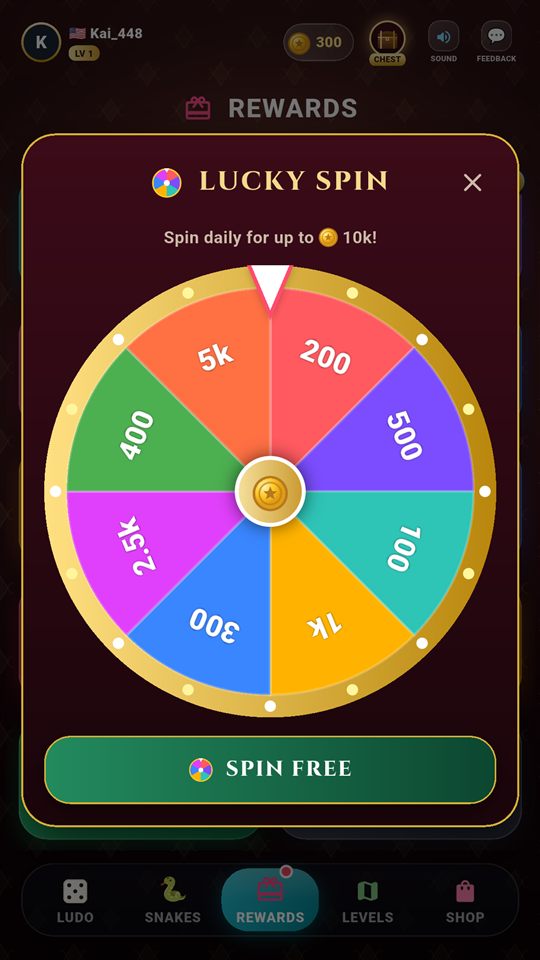
Lucky Spin
A free spin every day, with up to 10,000 coins to win.
Scratch & Win
Scratch the silver with your finger and see what's underneath.
Treasure Chest
Open a free chest every 4 hours.
Daily Goals
Play, win, capture pawns and roll sixes for bonus coins.
Trophies
Achievements with coin rewards and your stats on your profile.
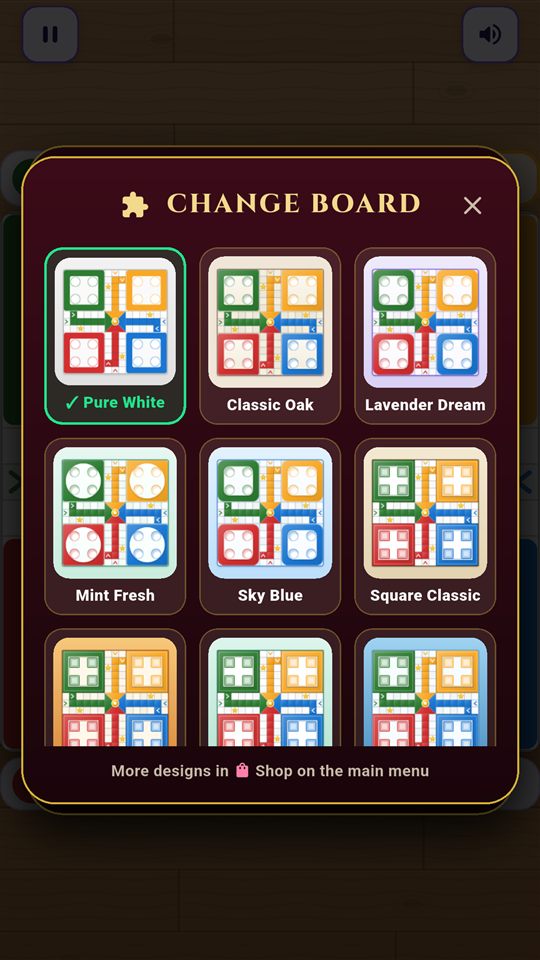
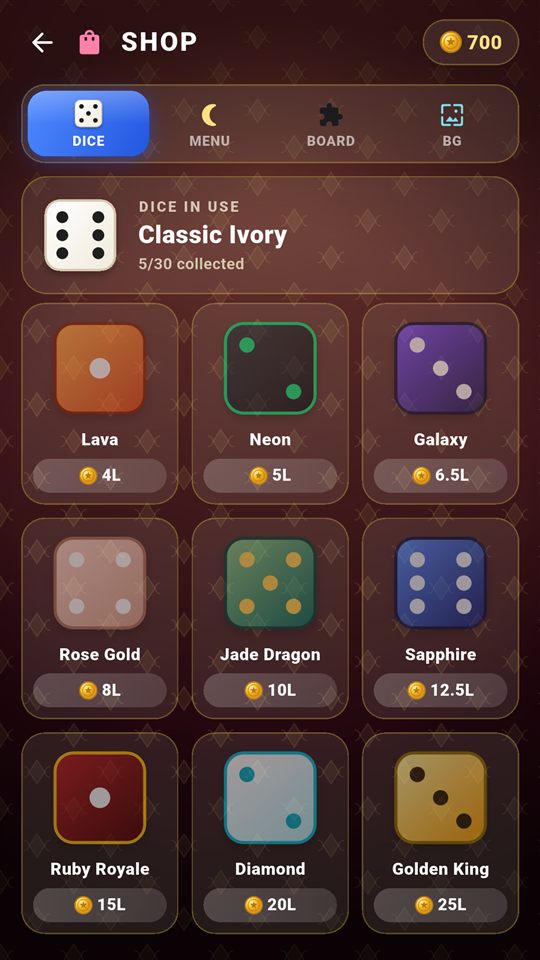
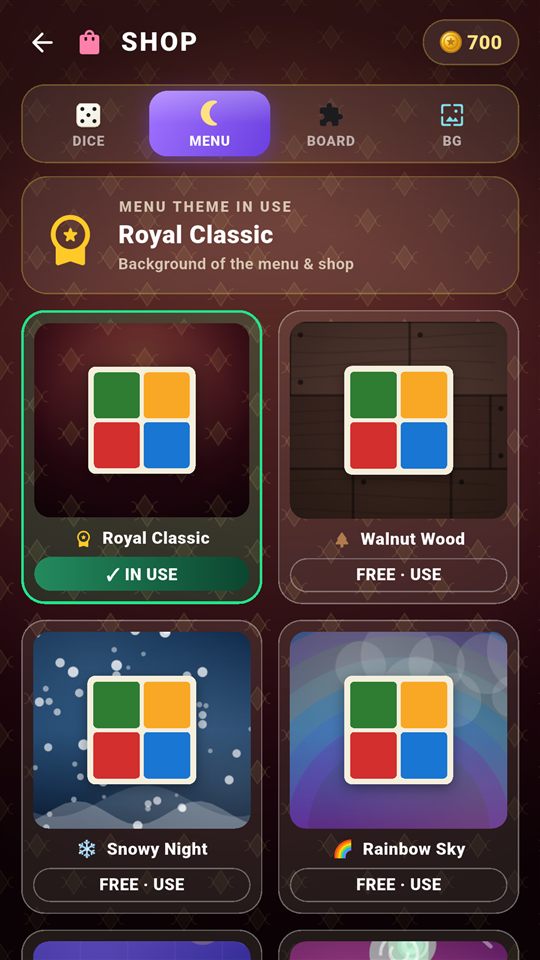
Boards, dice and themes to collect
Dozens of designs to unlock. The first five of each are free.
Simple to learn, real strategy
Easy enough for kids and grandparents, deep enough for dice game fans.
Roll a 6 to bring a pawn out, and roll again.
Capture an opponent's pawn to send it home and earn a bonus roll.
Star squares are safe: no pawn can be captured there.
Three 6s in a row and you lose your turn.
First to bring all 4 pawns home wins.
Questions, answered
Is Ludo Master free?
Yes. It's free to download and play. Coins are earned by playing, and there is nothing to buy. The app shows ads, but never in the middle of a game.
Can I play without internet?
Yes. Ludo vs Computer, Pass & Play, Snakes & Ladders vs computer and all 1000 levels work fully offline. Your match is saved, so you can close the app and resume later.
Do I need an account?
No. You can play everything, including online matches, as a guest. Logging in with Google or email is optional and keeps your coins, levels and trophies safe if you change phones.
How many players can play?
2, 3 or 4 players: online, against the computer, or with friends sharing one phone.
Is the chat safe for kids?
The chat uses preset emojis and messages only. There is no free typing, so players can't send personal messages to each other.
How do I delete my account?
In the app go to Profile → Delete account, or follow the steps on our delete account page.
Ready to roll?
Gather your friends, pick your colour and become the Ludo Master.
Get it on Google Play